




The phone problem usually shows up during a very normal call. A pharmacy says a refill is ready. A daughter calls from the car. The sound goes to the wrong place, and suddenly you are tapping Bluetooth, speaker, and volume while pretending you heard the date. That small embarrassing minute is the real search behind best phones for hearing aid connectivity.

Start With the Hearing Aid, Not the Phone
Most phone articles begin with the newest iPhone or Android flagship. For hearing aid users, that is often the wrong starting line. The hearing aid model decides which connection path matters. Some devices use Apple's Made for iPhone system. Some Android setups depend on ASHA support. Some products use Bluetooth for app controls but not for full phone-call streaming.
Before shopping, write down four details: the hearing aid model, the phone model, the operating system version, and the exact feature the user wants. Phone calls, media streaming, app control, video calls, and TV audio through a phone are not the same job.
Compatibility Words Can Hide Practical Problems
The word compatible can be too generous. A phone may technically pair and still be irritating. It may connect once but fail after a restart. It may stream a phone call but send a video app to the speaker. It may behave well in the store and badly after a software update. None of that sounds dramatic until the user is standing in a kitchen trying to answer a real call.
Do not assume the same brand means the same experience. A current Samsung and an older Samsung may not behave alike. A Pixel on the newest Android version may be different from a budget Android phone two updates behind. The most useful checks are simple:
|
What to Check |
Why It Matters |
Quick Test |
|---|---|---|
|
Exact phone model |
Same brand does not mean same hearing aid behavior |
Check model number, not only product name |
|
Operating system version |
Updates can affect Bluetooth and accessibility settings |
Confirm iOS or Android version before pairing |
|
Call routing |
Calls are often the most urgent listening moment |
Make a call and switch audio routes |
|
Reconnect after charging |
Daily use depends on automatic reconnecting |
Charge the aids, remove them, and wait |
|
App support |
Controls may depend on phone permissions |
Open the app, adjust settings, and close it |
Pair both hearing aids. Make one call. Ask the other person to read a date and a phone number. Put the hearing aids in the charger, take them out, and see whether the phone finds them again. Restart the phone. Play a short video. Open the hearing aid app, adjust one setting, close it, and open it again. If the setup fails during this small routine, do not shrug it off. That is the routine.

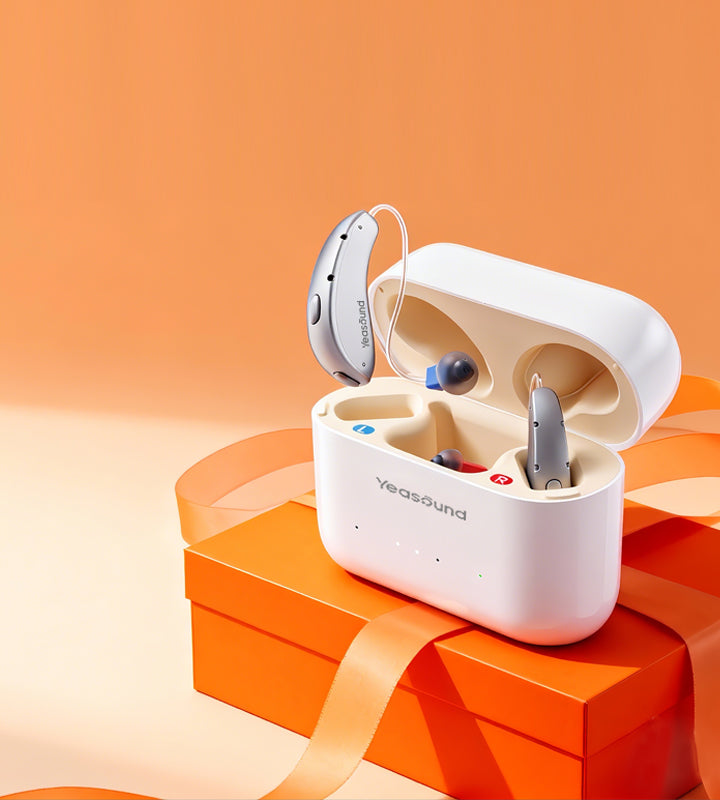
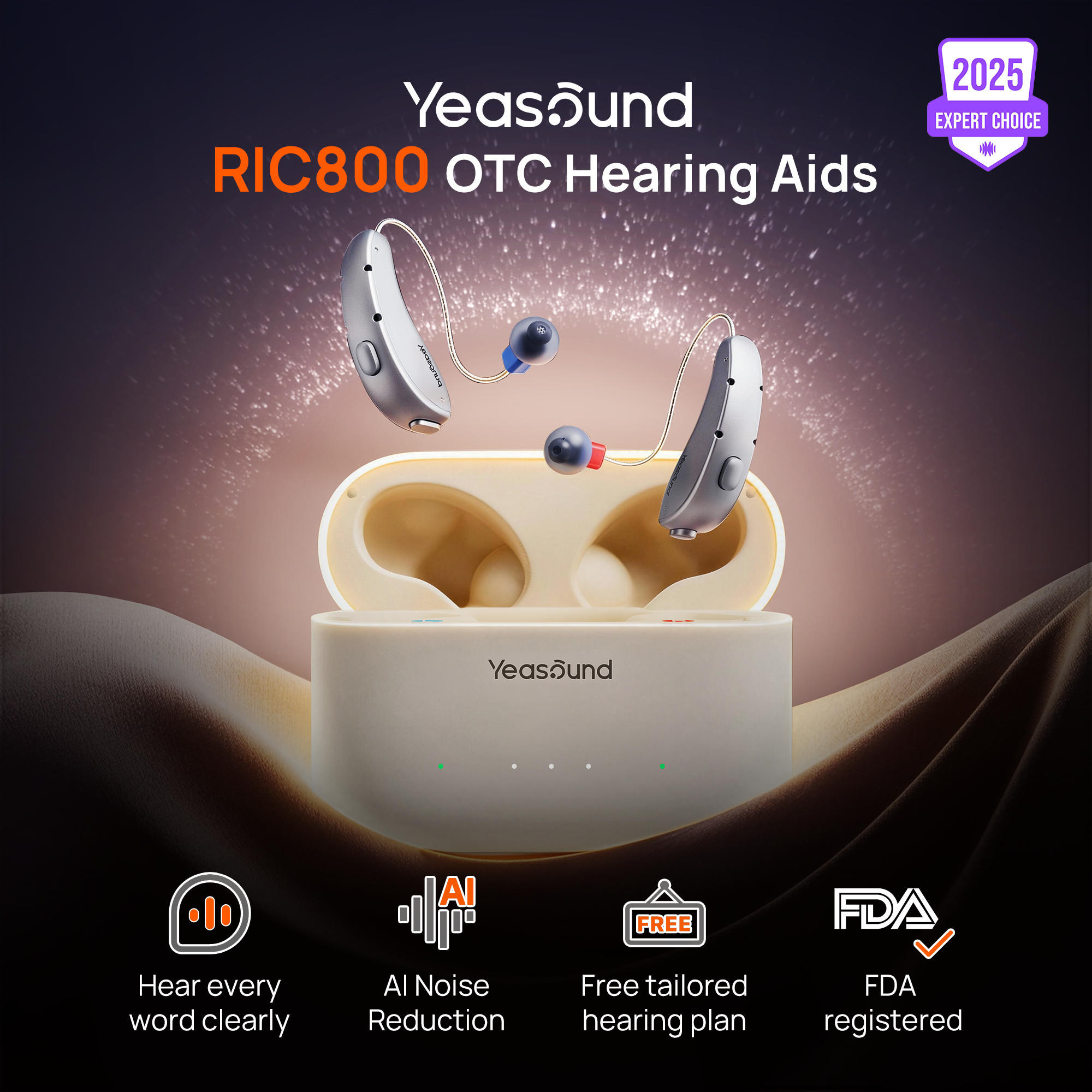
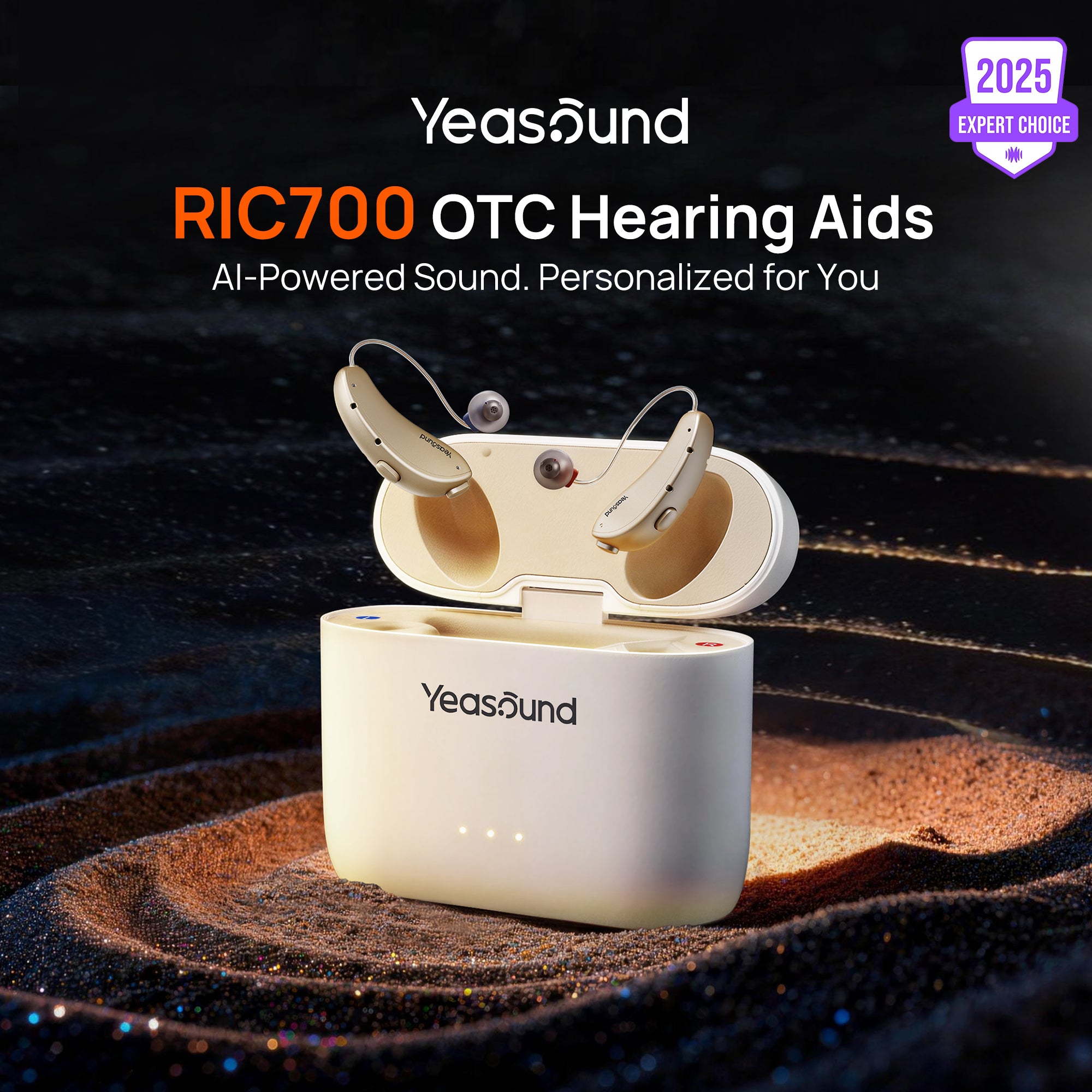
For Yeasound users, check the Device Compatibility Guide before buying a new phone. If you use Yeasound RIC800, test calls, Bluetooth audio, rechargeable daily use, and iYeasound app controls with your own phone if possible. The RIC800 is a discreet receiver-in-canal OTC hearing aid, so the phone decision should support both Bluetooth behavior and ordinary wear.
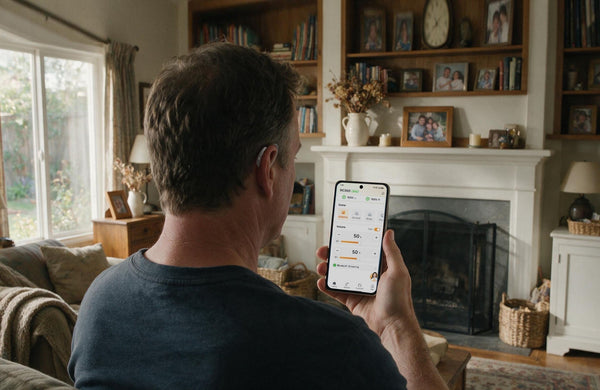
The iYeasound app supports setup, controls, presets, volume, treble, bass, battery status, cleaning reminders, and resources. It does not test hearing. For a quick hearing screening, use the web-based Yeasound online hearing test. That distinction matters because a phone can support an app well without saying anything about the user's actual hearing level.
If you are buying for someone else, do not accidentally make yourself the permanent support department. Hand the phone to the person who will use it. Ask them to open the hearing aid settings, reconnect after charging, answer a call, and change volume. Stand back. The point is to see whether the setup will survive a normal Tuesday when nobody technical is nearby.
Replace the Phone or Fix the Setup?
A new phone is not always the right fix. If the current phone is still supported, the hearing aids pair correctly, and the main problem is one confusing audio menu, setup help may solve more than a purchase. First check Bluetooth settings, accessibility settings, app permissions, and reconnecting after charging.
A new phone makes more sense when the old one no longer receives software updates, cannot keep a stable connection, or does not support the hearing aid feature the user needs most. Someone who depends on streamed calls may outgrow a phone that only supports basic app control. Someone who only adjusts volume in the app may be fine with a simpler setup.
If possible, bring the hearing aids to the store or test the phone during the return window. The user should answer a call, switch audio routes, open the hearing aid app, adjust one setting, play a short video, and reconnect after the hearing aids sit in the charger for a few minutes. Do not let the salesperson or a family member do every step.
What Matters After the First Week
The first week often reveals the real answer. Does the phone reconnect in the morning? Does call audio go where expected? Does the app open without asking for permissions again? Does the user avoid calls because the phone feels unpredictable? If the phone creates listening stress instead of reducing it, the match is not good enough.
Before deciding, run one normal day: morning reconnect, midday call, one short video, one app adjustment, and evening charge. If the user does not think about the phone much, that is success. Good hearing aid connectivity should disappear into the day.
What phone works best with hearing aids?
The best phone is the one confirmed for your exact hearing aid model, connection type, app needs, and software version. Brand name is only a starting clue. Always test call routing and reconnecting before assuming the phone is a good match.
Is iPhone better than Android for hearing aids?
iPhone can be simpler for compatible Made for iPhone hearing devices. Android can work well too when the exact phone model and Android version support the features you need. The practical answer depends on the hearing aid model and expected streaming or app control.
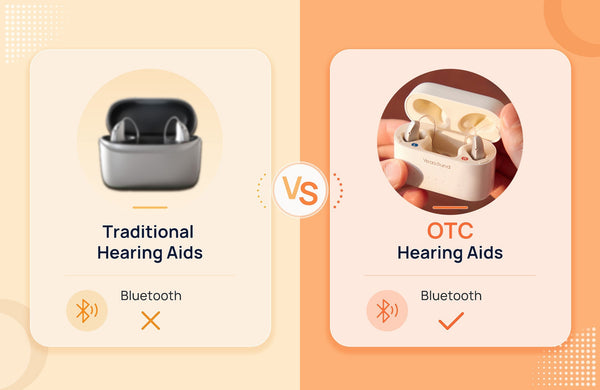
Does Bluetooth always mean call streaming?
No. Bluetooth may mean app control, media audio, phone calls, or limited pairing. Before buying, check whether the hearing aids support the exact feature you want. A quick pairing test is not enough if calls are the main reason you are changing phones..
Should I replace my phone for hearing aids?
Replace it only if compatibility, reconnecting, or software support is the real problem. Try setup help first because a new phone can be an expensive fix for a settings issue. If the phone is old or unreliable after repeated tests, replacement becomes more reasonable.
Can the iYeasound app test hearing?
No. The iYeasound app supports hearing aid controls, setup, presets, battery status, reminders, and resources. For hearing screening, use Yeasound's web hearing test or speak with a professional if symptoms are sudden, severe, or medically unclear.

Share:
Stay Updated
Get the latest hearing tips & news delivered to your inbox.