



Android is generous with choices. That is great when you are choosing a screen size or camera. It is less charming when you are trying to match one phone to one pair of hearing aids. A Pixel and a Samsung can both look safe on paper, then behave differently after pairing. The best bluetooth hearing aids for android are the ones checked against the exact phone in your hand.

I would treat Android compatibility like shoe size. Close enough still bothers you by lunchtime. If you plan to use hearing aids every day, you need the exact phone model, Android version, hearing aid model, and app behavior to line up. A broad phrase like Android compatible is not enough.
Android Compatibility Is More Specific Than People Expect
Android documents ASHA, Audio Streaming for Hearing Aids, through Bluetooth Low Energy here: Android ASHA support. That page is useful background, but it does not replace checking the phone model, Android version, and hearing aid model together.
Android is not one phone. Phone makers adjust settings, Bluetooth behavior, battery rules, accessibility menus, and app permissions. A hearing aid may behave well on one current phone and less smoothly on another older phone. Even within the same brand, budget models and flagship models may not feel the same.
| Android Detail | Why It Matters | What to Do |
|---|---|---|
| Phone model | Same brand can behave differently | Check the exact model number |
| Android version | Software affects Bluetooth and permissions | Confirm current version before setup |
| ASHA or streaming support | Determines hearing aid audio options | Check manufacturer and device notes |
| App permissions | Controls may fail if permissions are blocked | Test app setup and adjustments |
| Reconnect behavior | Daily use depends on automatic reconnecting | Charge, remove, and reconnect twice |
Run the Reconnect Test
Pair both hearing aids. Make a call. Play a video. Put the hearing aids in the charger, then take them out. See if the phone reconnects. Restart the phone and try again. It sounds tedious because it is. It is also the difference between works and works when my son is here.
Do not skip this test for a buyer who feels nervous about phones. The first pairing may happen with help from a family member or support agent. The second, third, and tenth reconnect happen alone. That is where real usability shows up.
Calls, Media, and Apps Are Separate Tests
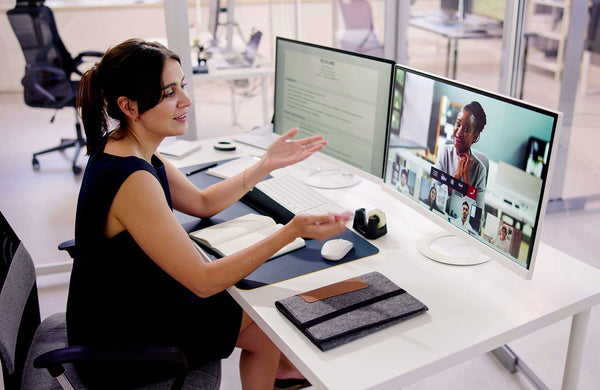
A call test is not the same as a video test. A video test is not the same as an app control test. Android can route sound differently depending on the app, phone, and Bluetooth profile. Test the exact habits that matter: phone calls, YouTube, Zoom, WhatsApp, podcasts, or whatever the user actually opens.
Some people only need the app to adjust volume or presets. Others want phone calls streamed directly. Others want video meetings. The more device sound matters in daily life, the more careful the compatibility test should be.
Yeasound and Android Use
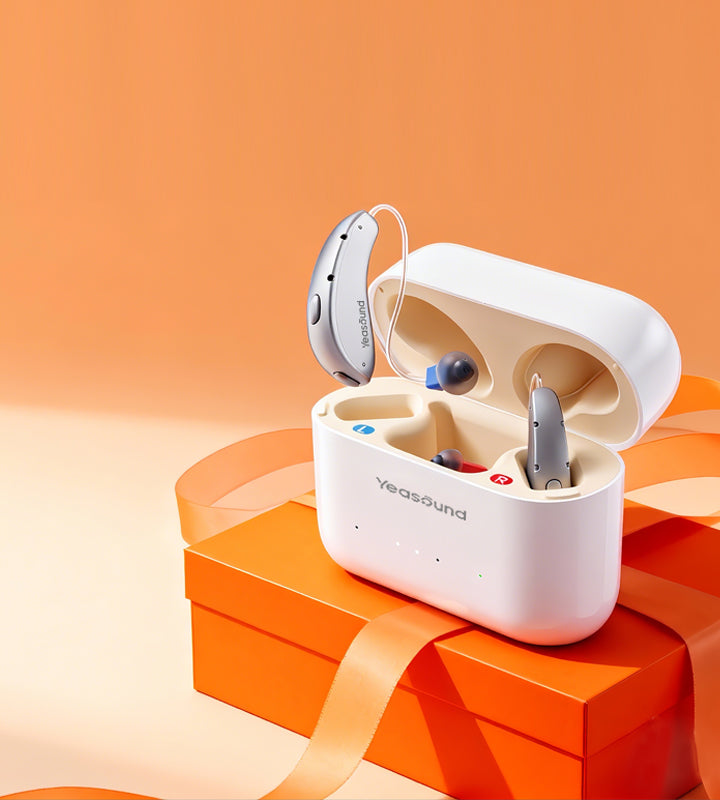
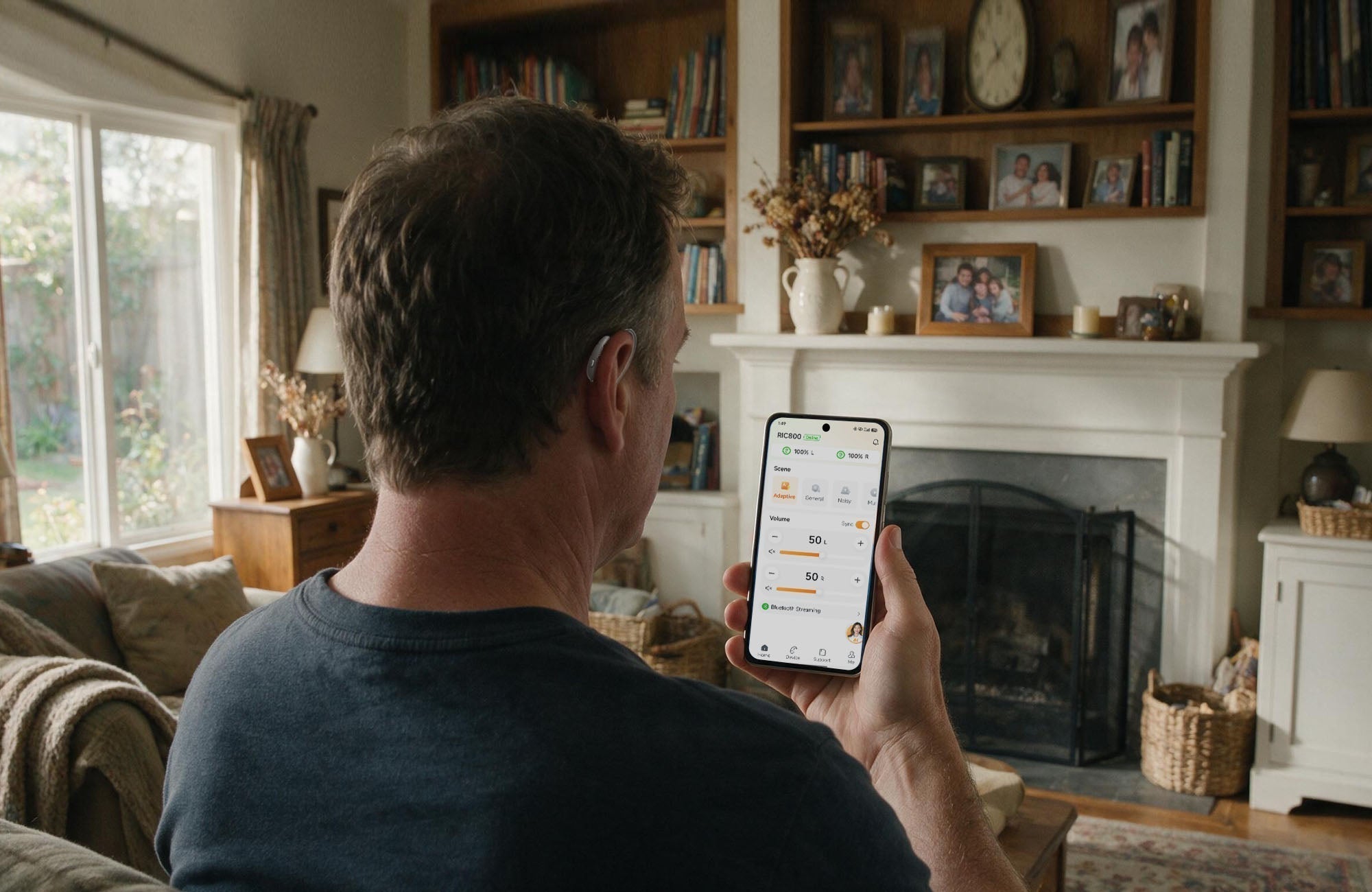
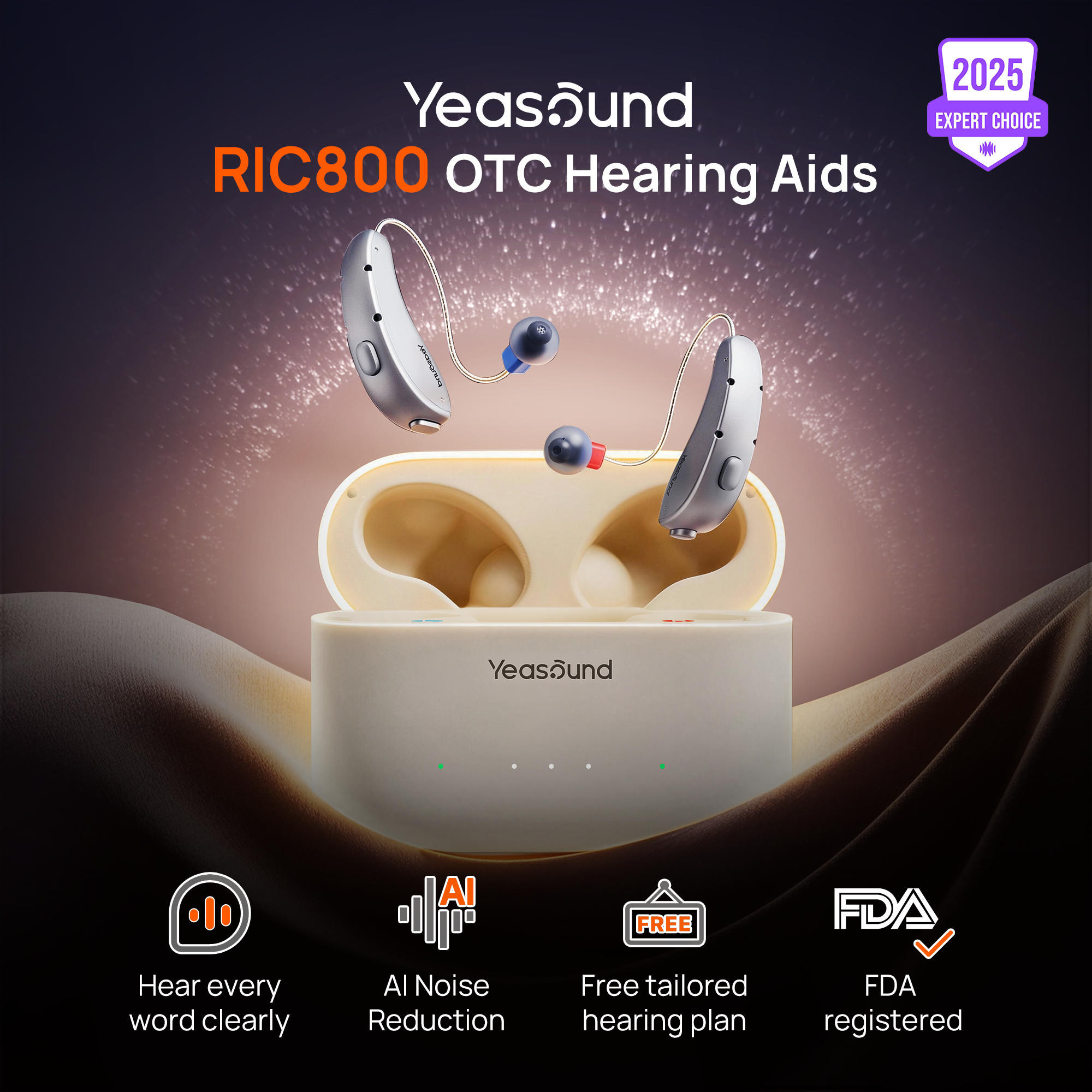
Yeasound RIC800 is worth comparing if you want Bluetooth audio support, rechargeable use, AI noise reduction, and auto speech focus in a discreet RIC-style OTC hearing aid. Check Yeasound device compatibility before assuming your Android phone will behave like another model.
For setup help, use iYeasound app resources. The app supports controls and resources, but it does not test hearing. Use the web-based Yeasound online hearing test if you need a quick screening step.
Buying for Someone Else
If you are buying for someone else, let that person do the last reconnect. Stand back. No coaching. If they cannot find the menu, plan for support or choose the simpler route. Compatibility is only useful if the user can actually use it.
This is especially important with Android because menu names can vary. Accessibility, Bluetooth, connected devices, hearing devices, app permissions, and battery settings may all appear in different places depending on the phone. A technically correct setup may still be too hard for the person who has to live with it.
The Plain Android Rule
Android can work very well with Bluetooth hearing aids, but it rewards exact checking. The best Android setup is not the one with the most impressive phone specs. It is the setup where the hearing aid, phone, software, and app behave in the same boring way every day.
Budget Android phones deserve extra attention. Some receive fewer updates, have more aggressive battery management, or use slightly different Bluetooth behavior. A budget phone may be enough for app controls, but streamed calls and video meetings usually deserve more careful testing.
Android App Permissions Can Decide the Experience
Android buyers should pay close attention to app permissions and battery rules. A hearing aid app may need Bluetooth permission, nearby device permission, notification permission, or background activity permission depending on the phone and Android version. If the phone blocks the app too aggressively, controls may feel unreliable even when the hearing aids themselves are fine.

Open the app, adjust a setting, close the app, wait, and open it again. Then charge the hearing aids and reconnect. If the app behaves only when freshly installed, the user may run into trouble later. A good Android setup should survive normal phone behavior, not just the first setup screen.
Why Consistency Matters More Than One Perfect Setup
Android setups can look successful on day one because someone is paying close attention. Day three is more revealing. The user may be in a hurry, the phone may have closed background apps, or Bluetooth may have connected to the car first. I would also test what happens after the phone connects to another Bluetooth device, such as a car, speaker, or earbuds.
A Simple Android Trial Plan
Use the same plan for three days: morning reconnect, one call, one media clip, one app adjustment, and evening charge. If the phone behaves the same way each day, confidence rises. If each day feels different, the setup may be too fragile for someone who wants simple hearing support.
A short car test can also help, even if the user does not drive often. Many Android phones automatically connect to the car first, and that can change where call audio goes. Write down a simple routine before relying on the setup.
FAQ
Do all Android phones work with Bluetooth hearing aids?
No. Compatibility changes by phone model, Android version, hearing aid design, Bluetooth feature, and app support. Check the exact match before buying, especially if you need phone calls or media streaming.
What is ASHA?
ASHA stands for Audio Streaming for Hearing Aids. In plain language, it is one Android route for hearing aid audio on compatible phones and devices. It still depends on the exact phone and hearing aid combination.
Can Android hearing aids help with video calls?
They can if audio routing is stable and delay is comfortable. Test the video-call app you actually use, because Zoom, Meet, WhatsApp, and other apps may behave differently.
Can the iYeasound app test hearing on Android?
No. It supports hearing aid controls, setup resources, reminders, and product support. Use the web-based hearing test or professional care for hearing concerns.
Share:
Stay Updated
Get the latest hearing tips & news delivered to your inbox.