




iPhone users get used to a certain kind of promise: open the case, tap connect, move on. Hearing aids do not always behave that neatly. A call routes to the phone speaker. FaceTime sounds different from a normal call. After an update, one setting has moved. That is why the best bluetooth hearing aids for iphone are not just the ones that pair once. They are the ones you can live with next week.

I would separate the choice into two parts. First, does the hearing aid work with your exact iPhone and iOS version? Second, does it feel comfortable enough to wear after the fun of pairing is over? A beautiful connection setup is not useful if the user takes the hearing aids out after lunch.
Start With the Apple Path
Apple explains how compatible hearing devices work with iPhone settings here: Use hearing devices with iPhone. Read that page with the device model in front of you. Guessing from a friend's phone is how people end up confused. The iPhone model matters. The iOS version matters. The hearing aid model matters. The app version may matter too.
This can feel fussy, but it is less frustrating than buying a device and discovering that the feature you wanted works differently than expected. Compatibility is not a vibe. It is a set of exact details.
Pairing Is Only the First Test
A first pairing screen can make everything feel solved. It is not solved yet. Make a normal phone call. Try FaceTime. Play a voicemail. Watch a short video. Put the hearing aids away and reconnect later. If you only test the first setup moment, you may miss the part that becomes annoying in daily use.
|
iPhone Test |
What You Learn |
Why It Matters |
|---|---|---|
|
Normal phone call |
Whether call audio routes correctly |
Calls are often the most urgent use case |
|
FaceTime call |
Whether video-call sound feels comfortable |
FaceTime can behave differently from calls |
|
Voicemail or short video |
Whether media sound is useful |
Many users need more than calls |
|
Reconnect after charging |
Whether daily use stays simple |
Pairing once is not the same as reconnecting |
|
App adjustment |
Whether controls are easy to find |
Settings should not feel like a project |
FaceTime, Calls, and Media Are Different Moments
A person may say they want iPhone Bluetooth, but the real need may be narrower. Maybe they need phone calls because they miss appointment details. Maybe they want FaceTime because grandchildren talk quickly. Maybe they watch news clips, listen to podcasts, or use navigation. Each use case deserves its own test.
Phone calls may feel more direct. FaceTime adds video, app routing, and sometimes different audio behavior. Media streaming may be pleasant but not essential. If a hearing aid does one task well and another task awkwardly, the buyer should know before deciding.
Fit Still Beats Streaming
Good streaming cannot rescue a device you do not want in your ears. Glasses, hair, domes, ear size, and wearing time all matter. Take one long call. Wear the hearing aids while cooking. Sit through one show. If you keep touching them, that is a clue.
Yeasound and iPhone Use
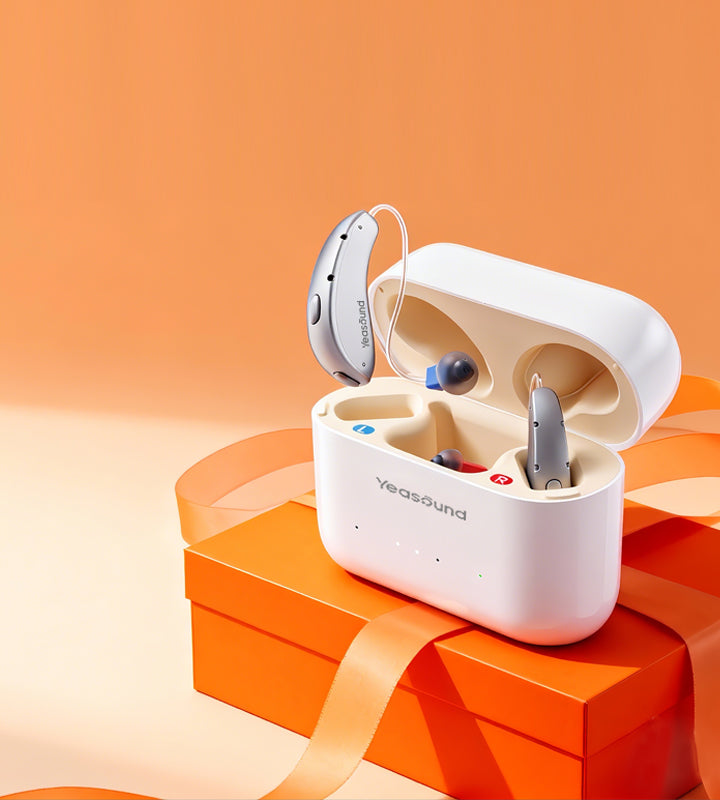
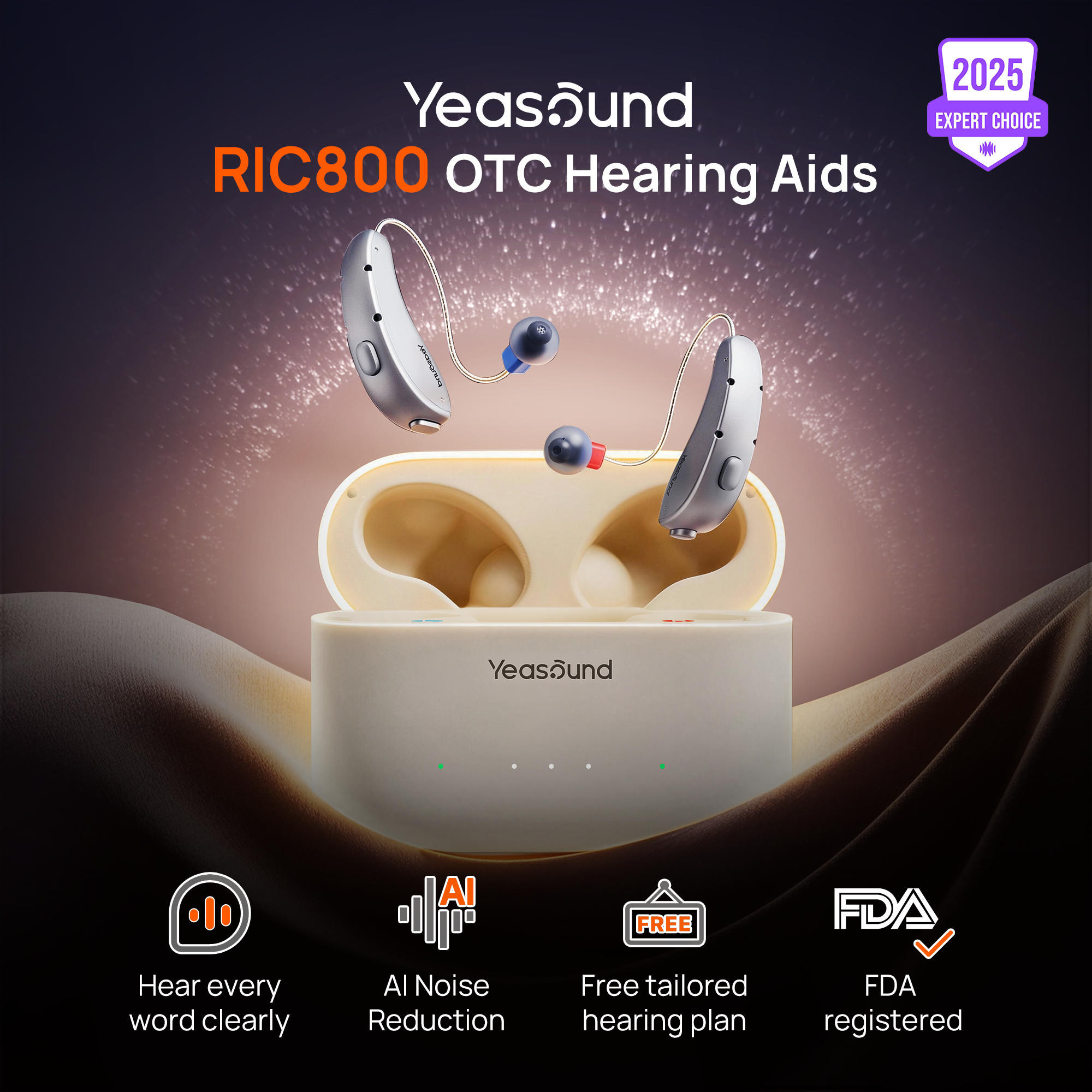
Yeasound RIC800 is worth comparing for iPhone users who want a discreet RIC-style OTC hearing aid with Bluetooth audio support, rechargeable use, AI noise reduction, and auto speech focus. Before buying, review Yeasound device compatibility, and keep the RIC800 setup guide nearby during pairing.
The iYeasound app supports volume, presets, treble, bass, battery status, cleaning reminders, and resources. It does not test hearing. For a quick screening step, use the web-based Yeasound online hearing test.
What Good iPhone Compatibility Should Feel Like
The right iPhone setup should feel boring after a few days. That is a compliment. You should be thinking about the conversation, not the route the audio took to get there. You should not need a family member to rescue the audio route every time the phone rings.

During the return window, test one day with heavier iPhone use and one day with almost no streaming. The heavy day shows battery and routing behavior. The quiet day shows comfort and ordinary hearing support. If the device works as an iPhone accessory but not as a hearing aid, it is not the right match.
Do Not Let the iPhone Hide Fit Problems
Because the iPhone experience can feel polished, buyers sometimes focus too much on pairing and not enough on the ear. If the receiver wire pulls, the dome feels itchy, or glasses push against the device, the user may stop wearing it even if the phone connection is excellent. The best iPhone-compatible hearing aid still has to pass the old-fashioned test: can the person wear it comfortably for a real day?
A practical way to test this is to wear the hearing aids during an iPhone-light day, not only during calls. Walk around the house, cook, sit outside, and charge the phone as usual. If the hearing aids still feel comfortable when the iPhone is barely involved, the product is more likely to succeed as hearing support rather than just a clever accessory.
Battery and Daily Rhythm
If the iPhone is central to the day, battery rhythm matters. A person who streams calls, watches videos, and changes settings through an app needs a device that can last through normal use. Rechargeable hearing aids can simplify this, but only when charging becomes a predictable habit. Test a morning call, midday errands, afternoon quiet wear, and evening media before judging convenience.
What to Check During
During the return window, I would test one day with heavier iPhone use and one day with almost no streaming. The heavy day shows battery and routing behavior. The quiet day shows comfort and ordinary hearing support. If the device is only good as an iPhone accessory but not comfortable as a hearing aid, it is not the right match.
FAQ
What does Made for iPhone mean?
It means the hearing device is designed to work with Apple's supported hearing-device system when the phone, software, and device requirements are met. It does not automatically mean every feature will feel perfect for every user. Calls, media, and app controls should still be tested separately.
Can iPhone hearing aids help with FaceTime?
They can, but FaceTime should be tested on its own. Audio routing and comfort can feel different from a normal phone call. If FaceTime is the main use case, include a real family or work call in the trial.
Should iPhone users choose rechargeable hearing aids?
Rechargeable hearing aids are helpful if you stream calls, FaceTime, or media often. The important question is whether the battery lasts through your real day. Test one full day before judging convenience.
Can the iYeasound app test hearing on iPhone?
No. The app supports control and setup features such as volume, presets, battery status, reminders, and resources. Use the web-based hearing test or professional care for hearing concerns, especially if symptoms are sudden or medically unclear.



Share:
Stay Updated
Get the latest hearing tips & news delivered to your inbox.