



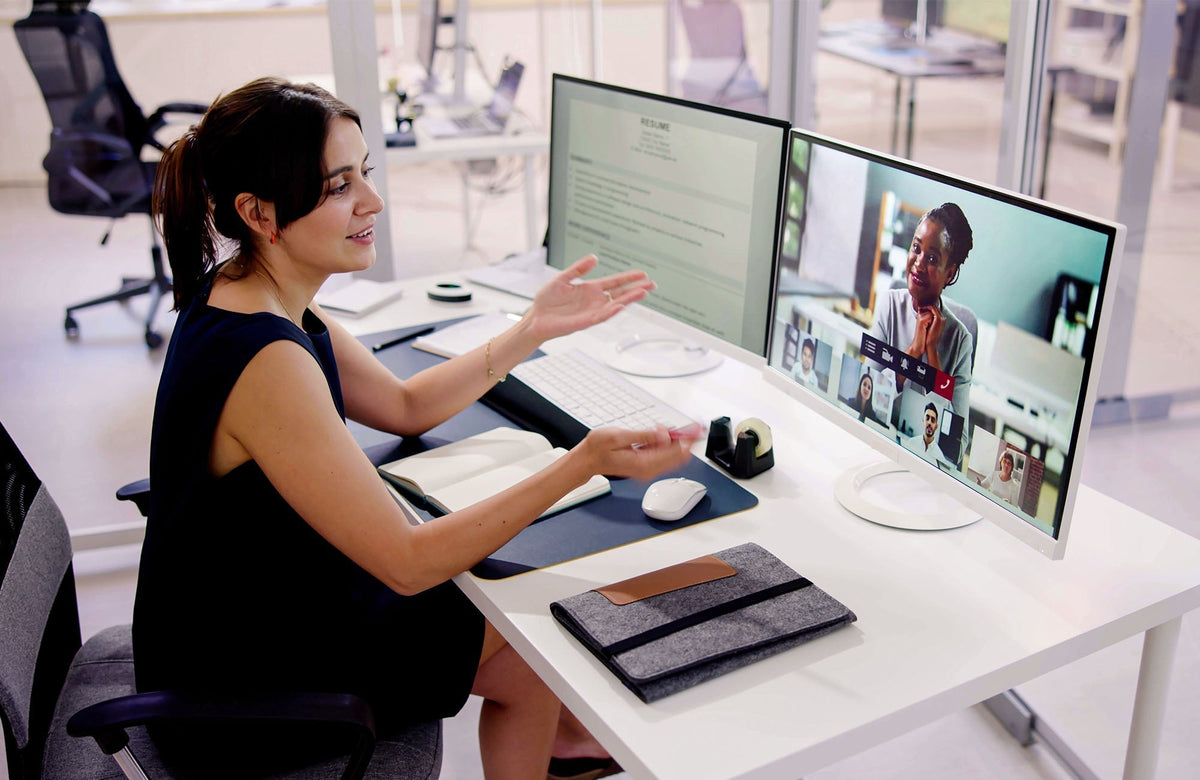
Video calls can make good listeners feel clumsy. Someone talks away from the microphone. Someone types while speaking. A project name gets swallowed by Wi-Fi. Everyone nods, and you are left wondering whether the deadline was Tuesday or Thursday. That awkward little gap is the real reason people search for the best hearing aids for video calls.

The right hearing aid can help, but the meeting app, laptop, phone, room noise, and the other person's microphone all play a part. I would diagnose the whole chain before blaming your ears or buying the first Bluetooth model in the search results.
Name the Actual Problem
"I can't hear Zoom" is too broad. Write the failure in plain words. Do you miss names? Do numbers blur together? Do voices get sharp after 20 minutes? Does Bluetooth drop? Does the sound come from the laptop instead of the hearing aids? Is one coworker simply too far from the microphone?
The fix depends on the nuisance. Missing names may call for captions or clearer speech routing. Sharp sound may call for adjustment, fit changes, or lower volume. Bluetooth drops may be a device compatibility issue. A bad microphone on the other end cannot be fully fixed by any hearing aid.
FCC hearing aid compatibility guidance is useful for phone behavior, but video calls add more variables. A good phone call does not automatically mean a good Teams meeting, and a decent laptop speaker does not mean a person will follow a fast group call.
Test One Real Meeting Day
Do not test only a five-minute call with a patient friend. Try one short call, one longer meeting, one screen-share meeting, and one call with mild background noise. Turn captions on. There is no prize for avoiding captions if they help with names and numbers.
The long meeting matters because fatigue changes the result. A setup that feels fine for five minutes may feel sharp, delayed, or distracting after forty minutes. A hearing aid for video calls should support attention, not steal it.
Do Not Ignore the Other Person's Microphone
Sometimes the problem is not your hearing aid. It is a coworker using laptop audio from across the room, a family member calling from a noisy car, or a meeting room microphone picking up paper shuffling. Hearing aids can help you receive sound. They cannot fully repair poor source audio.
Ask for small changes when possible. Move closer to the microphone. Use a headset. Turn on captions. Repeat the project name in chat. These are practical meeting habits, not signs of failure.
Bluetooth Can Help, But Routing Must Be Stable
Bluetooth hearing aids may help because sound can go more directly to the ears instead of through weak laptop speakers. That can be useful for calls, webinars, training sessions, and family video chats. But if sound jumps between the laptop, phone, and hearing aids, the technology becomes a distraction.
Test the actual platform. Zoom, Teams, Google Meet, FaceTime, and WhatsApp can feel different. The computer may behave differently from the phone. A setup that is good for FaceTime may not be the best way to handle a work laptop.
Yeasound Fit for Video Calls
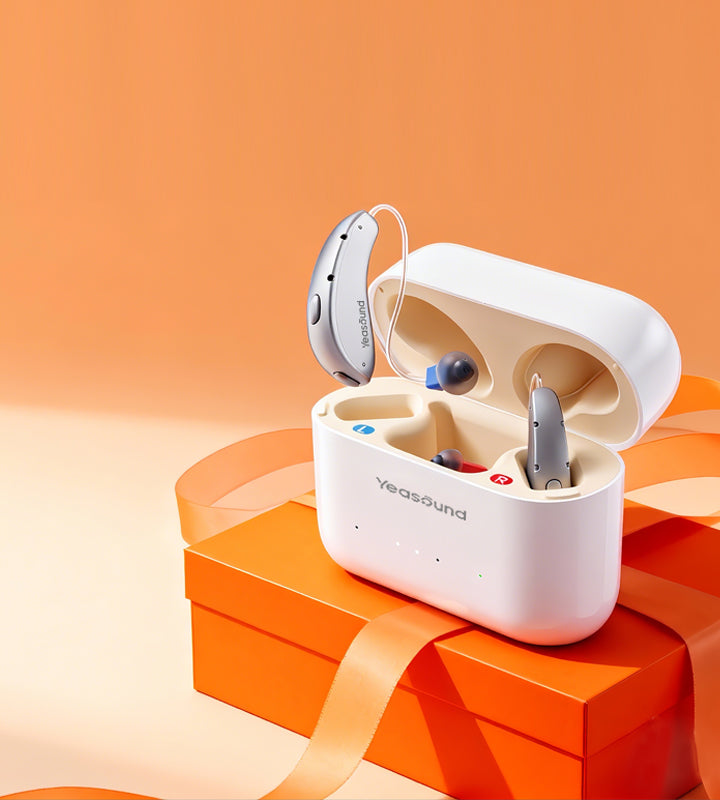
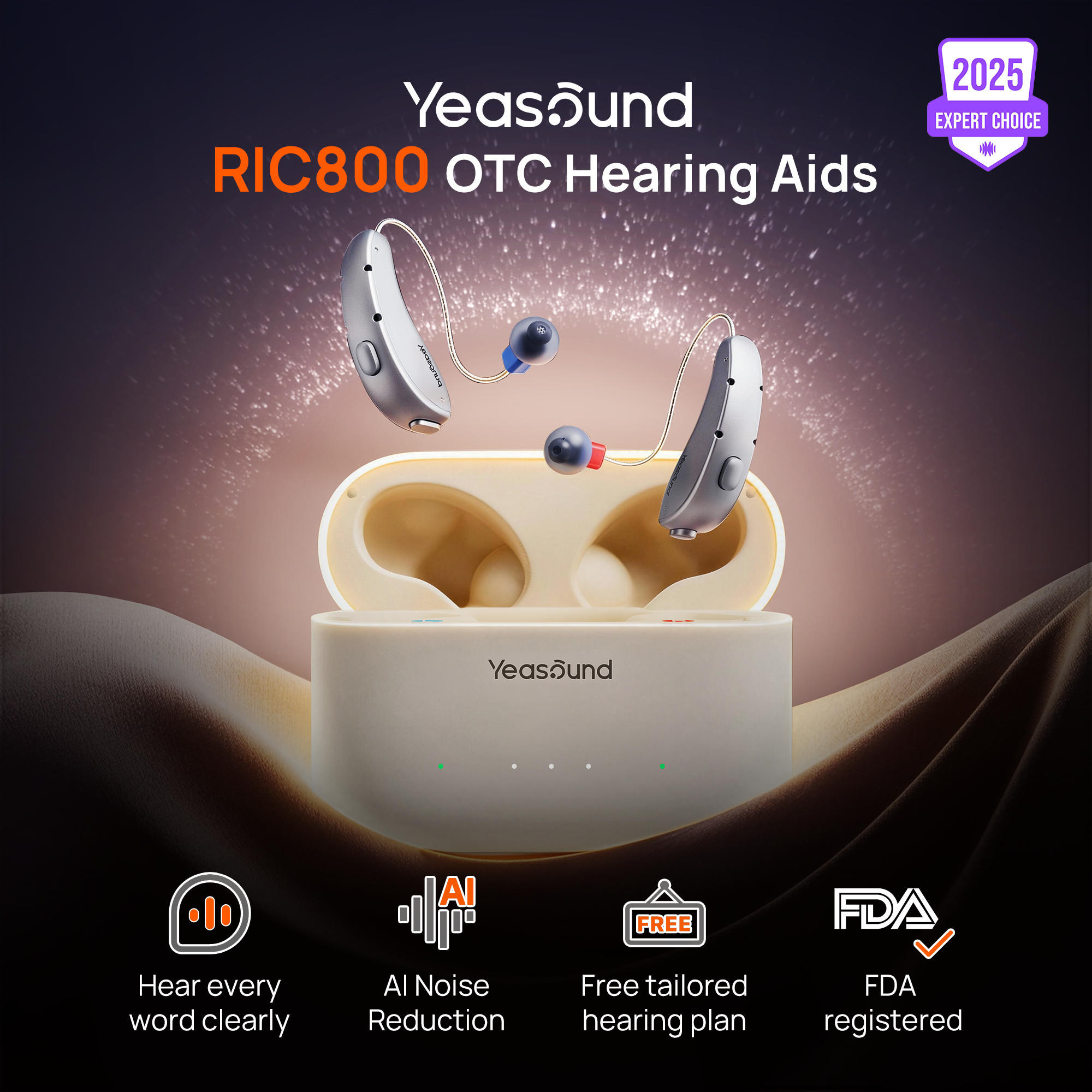
Yeasound RIC800 is worth comparing if video calls are part of broader mild-to-moderate daily hearing difficulty. Test its Bluetooth audio support, AI noise reduction, auto speech focus, rechargeable design, and iYeasound app controls with your own phone or computer. Check device compatibility before depending on it for work calls.
If video calls are only one piece of the problem, use the web-based Yeasound online hearing test as a starting point. For setup questions, the Support Center may save a lot of menu guessing.
Build a Better Meeting Setup
A hearing aid should be part of a setup, not the whole setup. Good lighting helps people read faces. Captions help with names and numbers. A quiet room reduces listening effort. A charged phone or laptop prevents last-minute audio panic. The hearing aid works better when the meeting environment is not working against it.
For a week, write down the exact moment that failed: missed number, Bluetooth dropped, voice too sharp, speaker too far away, or battery worry. By Friday, the pattern is usually clearer than memory.
What to Look for During a Trial
A good video-call hearing aid should make speech easier to follow without making the user feel cut off from the room. It should be comfortable for longer calls, reconnect without drama, and leave enough battery for the rest of the day. It should also work with captions rather than pretending those tools are unnecessary.
Test one morning meeting, one afternoon meeting, and one call after you are already tired. If the device helps you catch names and action items at 4 p.m., that is meaningful.
Separate Hearing Problems From Meeting Problems
A video-call article needs to be honest about the source of the problem. If three people in a meeting sound clear and one person sounds terrible, the issue is probably that person's microphone or room. If every call feels tiring, the user's hearing setup may need attention. If only the laptop is difficult but phone calls are clear, the computer routing may be the weak link.
This separation keeps the buyer from expecting a hearing aid to fix everything. Hearing aids can help with access to sound, but they cannot repair a coworker calling from a noisy kitchen or a conference room microphone placed too far from the speaker. The best solution may be a mix of hearing aids, captions, better meeting habits, and a more reliable audio route.
FAQ
What hearing aid features help with video calls?
Stable Bluetooth, speech clarity, comfortable wear, battery life, and easy controls matter most. The phone or computer setup matters too, and captions can change the result as much as the hearing aid.
Are Bluetooth hearing aids best for Zoom?
They can be if routing is stable. If Bluetooth is unreliable with your computer, captions or a phone-based setup may work better. Test Zoom or your main meeting app directly.
Can hearing aids fix another person's bad microphone?
No. If the source audio is poor, hearing aids cannot fully repair it. Ask the speaker to move closer to the microphone when possible, or use chat, captions, and meeting notes.
Can the iYeasound app test my hearing?
No. It supports hearing aid controls and resources. Use the web-based Yeasound online hearing test or professional care when needed.



Share:
Stay Updated
Get the latest hearing tips & news delivered to your inbox.