



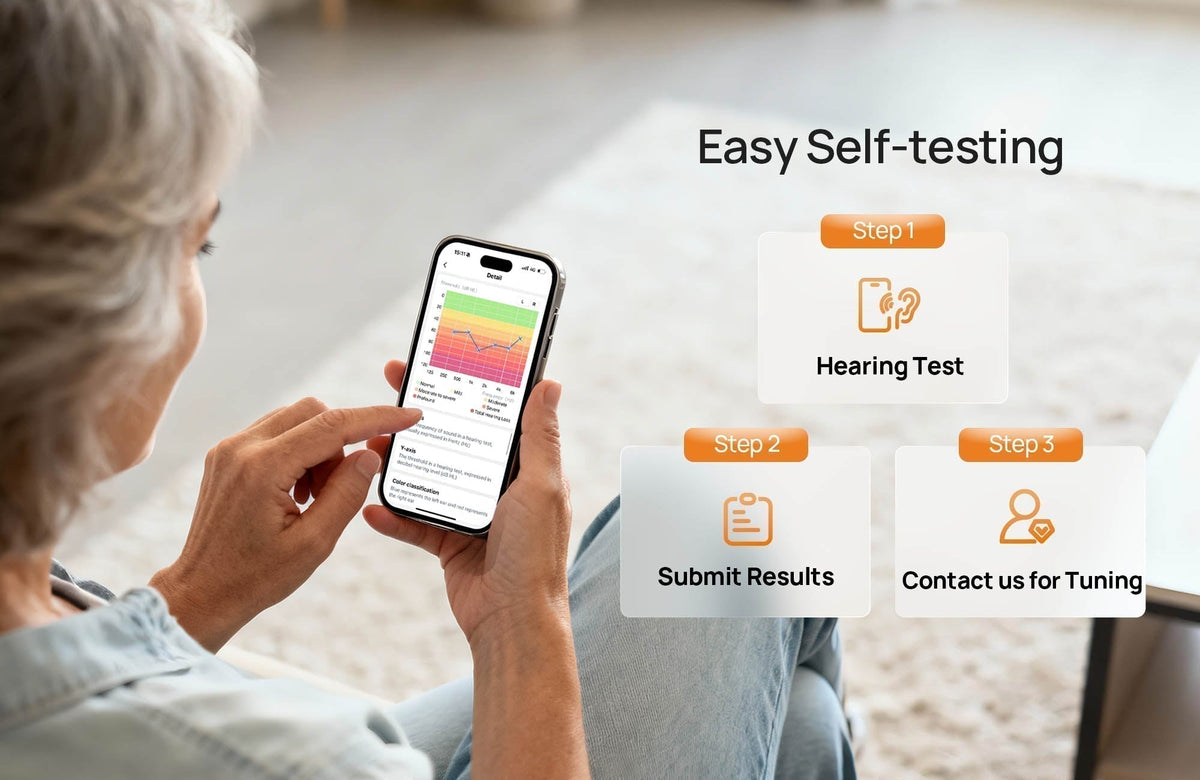
Knowing your hearing level is the foundation of effective hearing care. With the iYeasound App, you can complete a reliable, self-guided hearing test at home using your Yeasound hearing aids—no clinic visit required.
The Yeasound in-app hearing test is designed to deliver accurate, reliable, and repeatable results.
It follows the U.S. hearing measurement standard ANSI/ASA S3.6-2018 (R2023) — the same specification used for professional audiometric equipment.
It follows the U.S. hearing measurement standard ANSI/ASA S3.6-2018 (R2023) — the same specification used for professional audiometric equipment.
However, hearing is highly individual. Factors such as complex hearing profiles, ear health conditions, and variations in testing environments may affect test outcomes.
For this reason, the in-app hearing test is intended to serve as a baseline reference to help guide initial fitting and personalization.
For this reason, the in-app hearing test is intended to serve as a baseline reference to help guide initial fitting and personalization.
If you would like a more comprehensive and diagnostic-level hearing evaluation, we recommend contacting a licensed hearing care professional or audiology clinic.

What You Need Before Starting
To ensure accurate test results, please prepare the following:
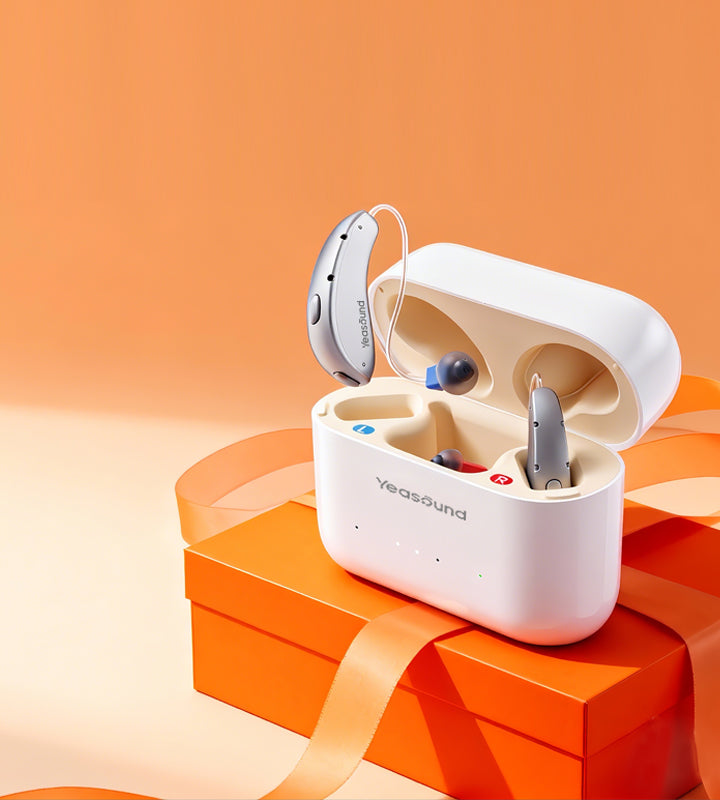
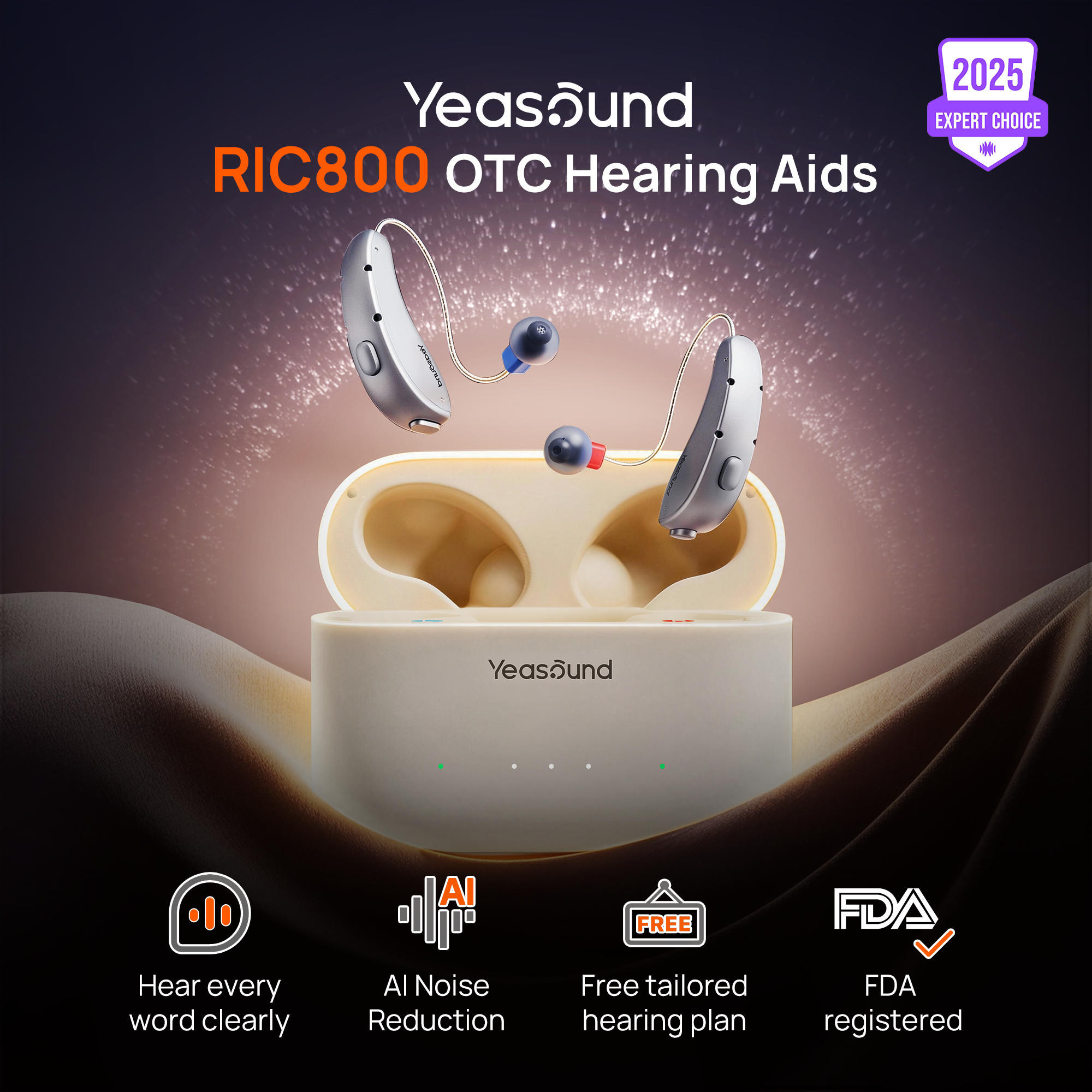
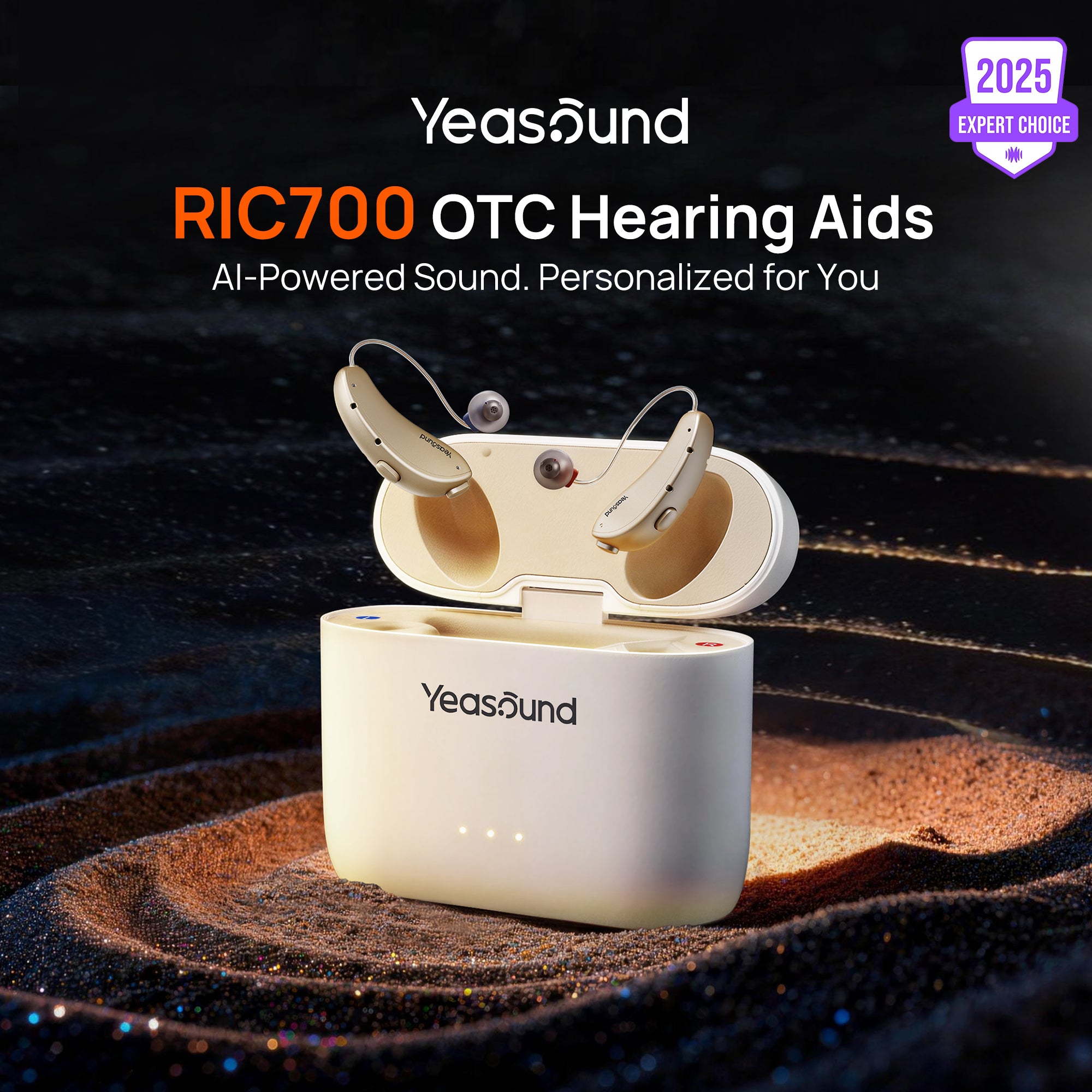
· Yeasound RIC700 or RIC800 hearing aids
Use closed domes that properly fit your ear canal. A good seal is essential for accurate measurement of low- and mid-frequency signals.
Use closed domes that properly fit your ear canal. A good seal is essential for accurate measurement of low- and mid-frequency signals.
· A quiet environment
A quiet room at home or a meeting room is recommended.
A quiet room at home or a meeting room is recommended.
How the Yeasound App Hearing Test Works
Step 1: Start the Hearing Test
Open the iYeasound App and navigate to: Me → Hearing Test
Step 2: Environment Noise Check
Before testing begins, the app automatically measures ambient noise.
· The test will only proceed when background noise is below 60 dB, ensuring reliable and valid results.
Step 3: Ear-by-Ear Testing
Your hearing will be tested one ear at a time—first the right ear, then the left ear.
Step 4: Frequency Coverage
The test evaluates hearing sensitivity across key frequencies essential for speech understanding:
250 Hz, 500 Hz, 1 kHz, 2 kHz, 4 kHz, and 6 kHz
250 Hz, 500 Hz, 1 kHz, 2 kHz, 4 kHz, and 6 kHz
Step 5: Simple User Responses
Your hearing aids will play tones at different frequencies and volume levels.
Based on what you hear, select:
Based on what you hear, select:
· “Yes” for any sound you notice
· “No” for no sound heard
No technical knowledge is required.
Step 6: View Your Hearing Report
Once the test is complete, the app generates a clear and visual hearing report, showing:
· Your hearing thresholds
· Your overall hearing loss level
· Differences between your left and right ears
Personalized Presets Based on Your Hearing Profile
Based on your hearing test results, you can select the most suitable hearing preset in the Hearing Type section of the iYeasound App, including
· High-frequency Sound Enhancement (Sloping)
· All-frequency Sound Enhancement (Flat)
· Medium-high Frequency Sound Enhancement (U-Shaped)
These presets provide a more natural starting point for amplification and listening comfort.
👉 To learn more about hearing loss types and preset fitting
Not Sure If a Preset Feels Right? We’re Here to Help
Everyone’s hearing experience is unique. If you’ve selected a preset based on your test results but still feel that the sound isn’t quite right, you don’t have to adjust everything on your own.
You can contact Yeasound’s professional hearing specialists at any time for personalized fine-tuning. Based on your listening feedback, usage scenarios, and test data, our specialists can help optimize your settings remotely—so your hearing aids truly fit your ears and lifestyle.
How Long Does the Test Take?
The complete in-app hearing test typically takes 10–20 minutes, depending on individual hearing sensitivity and response speed.
Why Use the Yeasound App for Hearing Testing?
✔️ Complies with professional standards (ANSI/ASA S3.6-2018 R2023)
✔️ Designed specifically for Yeasound hearing aids
✔️ Simple, guided testing experience
✔️ Clear, actionable results—with professional support when you need it
✔️ Designed specifically for Yeasound hearing aids
✔️ Simple, guided testing experience
✔️ Clear, actionable results—with professional support when you need it
With the iYeasound App, hearing testing becomes a simple part of your daily life—accurate, convenient, and truly personalized, with expert help always within reach.


Share:
Stay Updated
Get the latest hearing tips & news delivered to your inbox.