



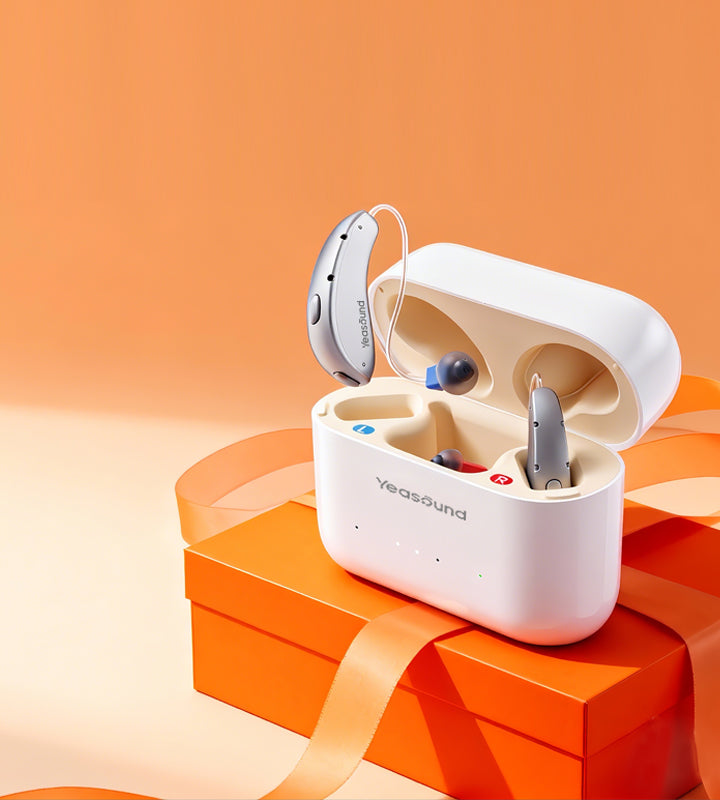
It can be frustrating when your hearing aid suddenly won’t turn on, stops working, or produces no sound at all. The good news is that most “no sound” issues can be resolved quickly at home—often without needing a repair.

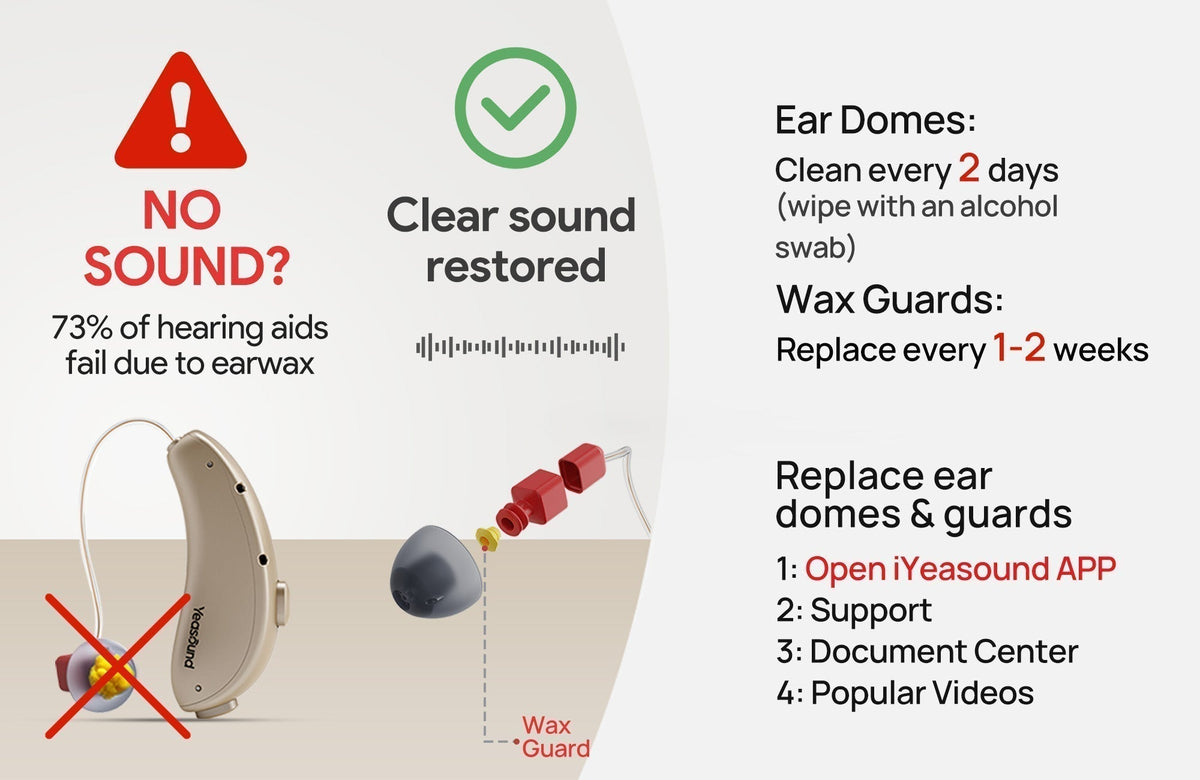
1. Check for Blockages (Most Common Cause)
The first thing to check is whether the sound outlet is blocked.
· Inspect the ear dome and wax guard for earwax or debris
· Even a small blockage can completely stop sound output
Why this matters:
Our research shows that about 80% of similar “no sound” issues are caused by blockages.
Our research shows that about 80% of similar “no sound” issues are caused by blockages.
Maintenance tips:
· Clean ear domes every 2 days
· Replace wax guards every 1–2 weeks, or sooner if needed
Regular cleaning not only restores sound but also helps maintain sound quality over time.
For more details on how to clean your hearing aids, please refer to Hearing Aid Cleaning Guide
2. Check the Battery or Charging Status
To make sure your hearing aids have enough power,
· Place the hearing aids in the charging case
· Confirm the charging indicators are working properly
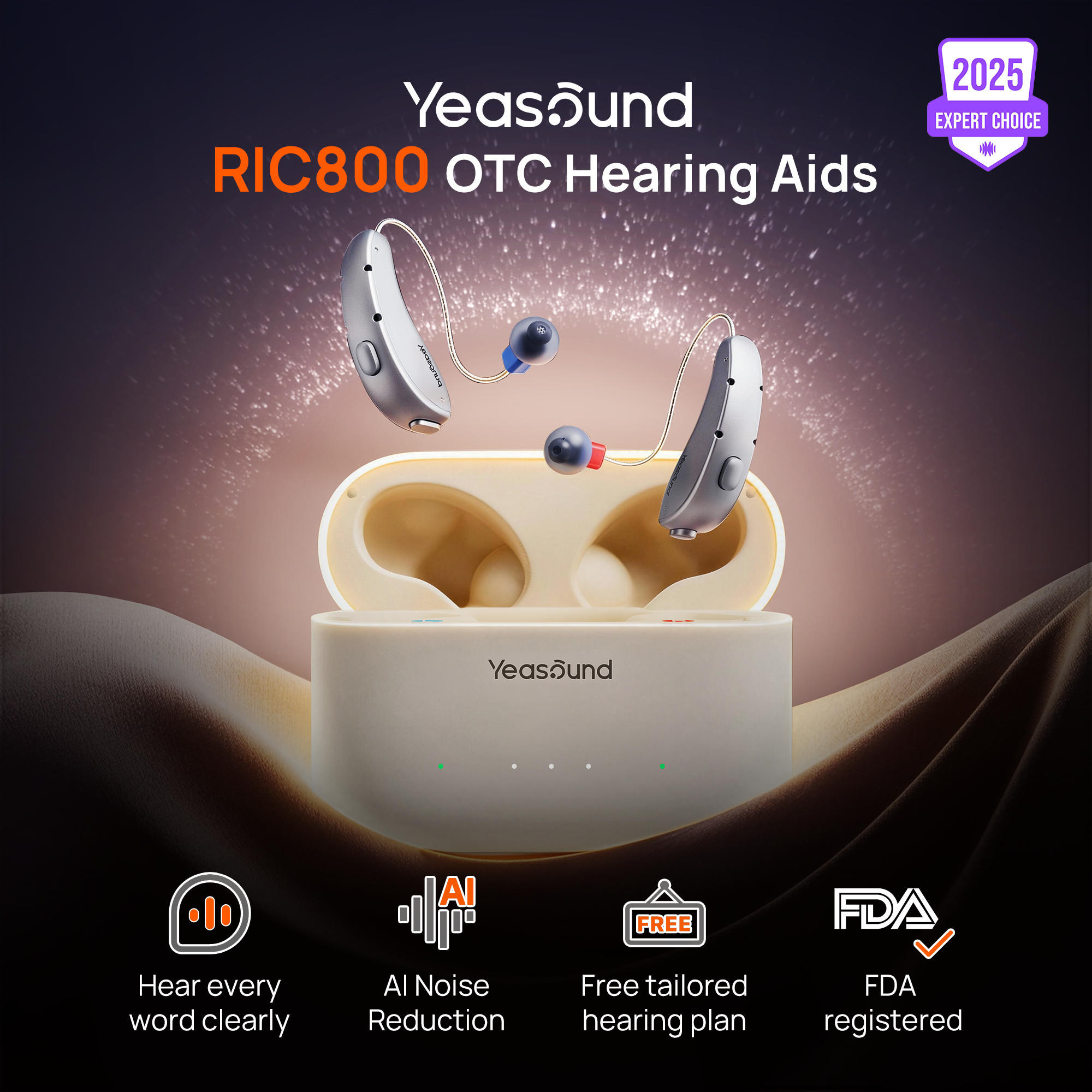
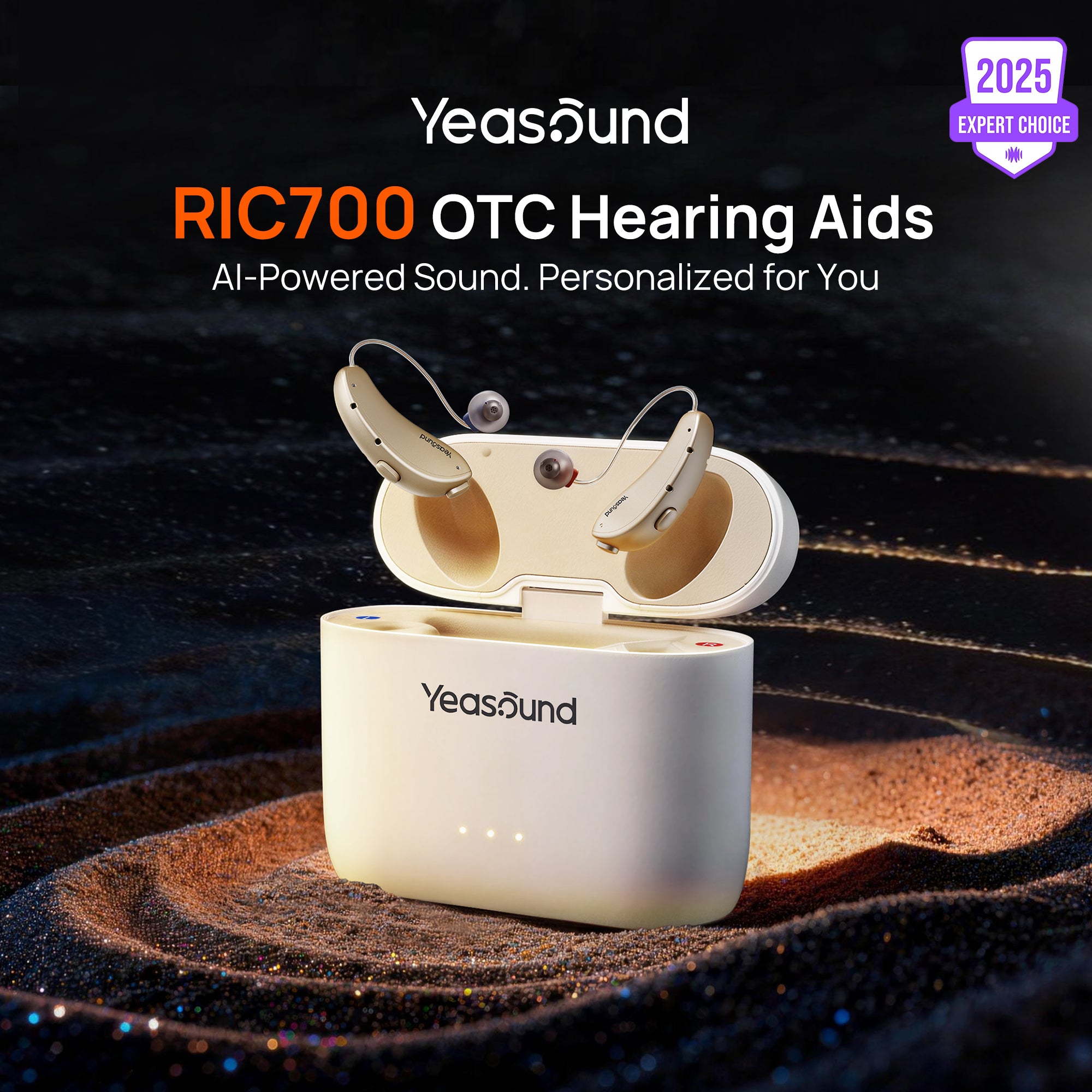
💡 For RIC 700 and RIC 800 users:
A steady green light on the charging case indicates that the hearing aids are fully charged.
A steady green light on the charging case indicates that the hearing aids are fully charged.
You can also check battery status in the iYeasound APP. For more details on how to download and use iYeasound APP, please view below video.
3. Adjust the Volume
Sometimes the solution is simpler than expected.
· Check whether the volume has been turned all the way down
· Gradually increase the volume and test again
This can happen accidentally when adjusting settings or using an app or physical button. For more details, please refer to Dual-Channel Volume Adjustment for Hearing aids
4. Inspect the Receiver Wire
Next, take a close look at the receiver wire:
· Make sure it is securely connected
· Check for any visible looseness or detachment
· Reattach it carefully if needed
A loose receiver wire can interrupt the sound signal completely.
5. Final Step: Test the Receiver Wire (Left ↔ Right Swap)
If none of the steps above resolve the issue, this final test can help identify the problem.
· Swap the receiver wire from the left ear to the right ear
· Swap the right receiver wire to the left ear
· Test the hearing aids again
What this tells you:
· If the problem moves to the other ear, the receiver wire is likely the cause
· If the problem stays on the same side, the issue may be elsewhere
Good news:
If the receiver wire is confirmed to be the issue, simply let us know your shipping address.
We’ll send you a free replacement, quickly and at no cost.
If the receiver wire is confirmed to be the issue, simply let us know your shipping address.
We’ll send you a free replacement, quickly and at no cost.
6.Contact Professional Support
· If the hearing aids still produce no sound after trying all these steps
· Please contact supportcenter@yeasound.com, and a hearing care specialist will get in touch to help resolve the issue.



Share:
Stay Updated
Get the latest hearing tips & news delivered to your inbox.